All PCs tend to slow down eventually, no matter how hard you try to keep them well-optimized. Everything you do on your computer leaves a mark, and these marks pile up, leading to system instability and possibly even crashes.
Core scanning and optimization
IObit Advanced SystemCare Free's main task is to scan your computer for various problems that might be slowing it down. It resolves them efficiently, and for the most part, it gets the job done with a sheer variety of different features.
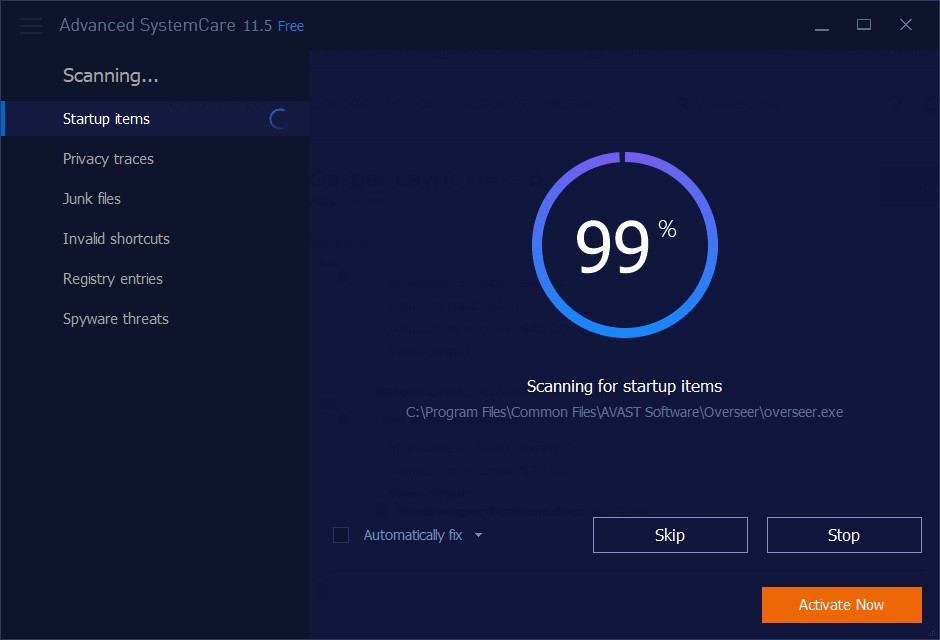
After installing and running the tool, you are greeted with a dashboard prompting you to run a scan. The initial pass may take a while, but it definitely gets things done and resolves plenty of problems without interrupting your workflow.Customizing your scan
Below the scan button, you will also see plenty of useful options for what should be checked when running the scan: Startup Optimization, Registry Clean, Privacy Sweep, Junk File Clean, and Fix Registry Fragmentation, just to name a few.Extra tools and security features
Other tabs provide different services, such as the Turbo Boost option, which stops unnecessary apps and background services from hogging your system resources. The list goes on in the security department, offering several options that feel a bit redundant if you already have a dedicated antivirus installed.The catch: cross-promotions and locked features
One thing that may bother you is that Advanced SystemCare Free introduces features that can only be used if you download additional IObit tools, like IObit Uninstaller. It also requires a paid Pro subscription to unlock the software's full functionality.